
Trading psychology
Tools to stop emotional trading: 7 kinds, and what each one can and cannot do
Looking for tools to stop emotional trading? Here are 7 kinds of tool, from a written plan to a stop for the day, with what each one does and where it falls short.
Quick answer: no single tool stops emotional trading. Seven kinds help, and each covers a different weak spot: a written plan, a daily loss limit, a trade cap, a wait after a loss, alerts you write yourself, a journal that scores your discipline, and a stop for the day. The checklist below says what each one does and what it cannot do.
If you search for tools to stop emotional trading, you will find long lists of apps and a lot of big promises. This page is different. It is a plain checklist of the kinds of tools that exist, so you can see which ones you already use and which one is missing.
One thing first. No tool removes fear, greed or anger. They only change what happens after you feel them. If you want the feelings side, read how to control emotions in trading. This page is about the tools.
1. A written trading plan
What it does. It is your rules on paper: what you trade, how much you risk, when you stop. You write it before the market opens, when you are calm. It is the base for everything else in this list.
What it cannot do. It cannot speak up at 1:30 PM. A plan in a notebook is easy to ignore when you are down and angry. You can break it without anyone noticing, including yourself.
Where LossGuardian fits. Not as a replacement. The next tools turn parts of your plan into numbers that something can watch.
2. A daily loss limit
What it does. It is a number: the most you will lose today. When you reach it, the day is over. Your broker gives you a stop loss for one trade. This is a stop loss for the whole day. We explain how to pick the number in how to set a daily loss limit.
What it cannot do. On its own, a number in your head is just a thought. And a limit that only counts closed trades misses the open position that is still falling.
Where LossGuardian fits. In Risk Manager you set a daily loss limit in rupees. You get a warning as you get close and a hard stop when you reach it. Capital Saver sits above it and limits how much of your capital you can lose in a day. Some fields cannot be loosened during market hours, on purpose, so a bad moment cannot undo a calm plan.
3. A trade cap
What it does. It limits how many trades you take in a day. Some emotional days are not one big loss. They are a long run of small, unplanned trades. A cap makes the count visible.
What it cannot do. A cap does not tell you whether a trade is good. You can use up your number on bad ideas. And a cap that counts every partial fill as a trade gives you wrong numbers, so check how any tool counts.
Where LossGuardian fits. You set a daily trade limit in Risk Manager, from 1 to 25. It counts your trades from your broker and shows an alert when you go past your number. You can also set a time after which no new trades are expected. If overtrading is your main problem, best software to stop overtrading goes deeper.
4. A cooling-off wait after a loss
What it does. It puts a gap between a loss and the next trade. The urge to win it back is strongest in the first few minutes. A wait gives it time to fade.
What it cannot do. A timer you set yourself is a timer you can cancel.
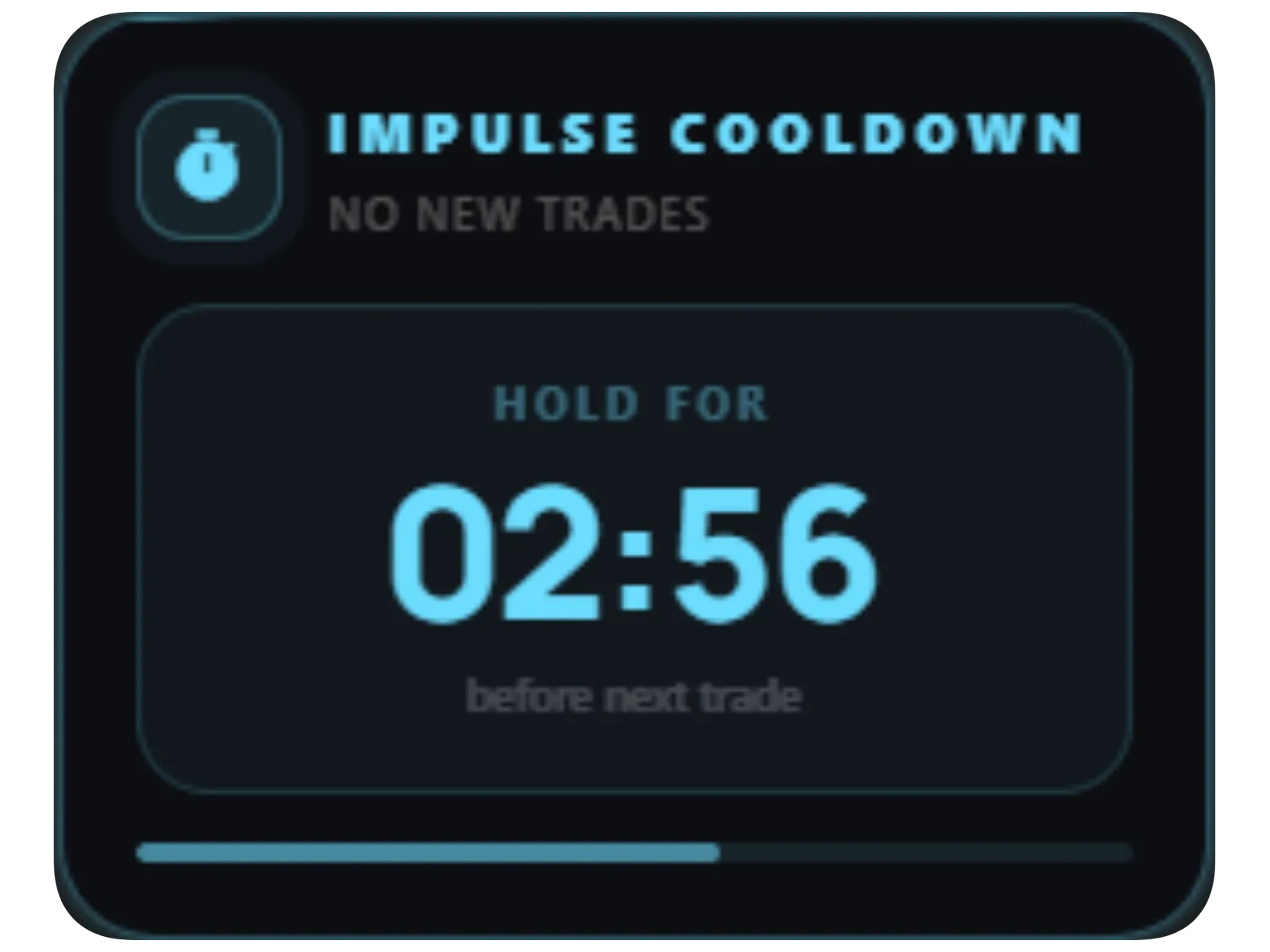
Where LossGuardian fits. When a quick re-entry looks like revenge trading, or when you pass your losing streak limit, an Impulse Guard alert appears and a cooldown timer starts. You choose the length, from 5 to 60 minutes. The countdown sits in the top right of your screen, above your charts. Read-only means LossGuardian cannot stop you placing an order. With Alerts only, the cooldown is a pause you are asked to respect. If you trade through it, that shows in your discipline score. With Advanced Mode on, it can also pause trading on your computer. See the losing streak limit and cooldown.
5. Alerts you write yourself
What it does. A generic warning is easy to ignore. Your own words are harder to ignore. The idea is to write a message on a calm day, for the version of you who will read it on a bad one. "You have hit your limit. Tomorrow is a new day."
What it cannot do. An alert is only a message. It cannot place or stop anything. If you decide to ignore it, you can.
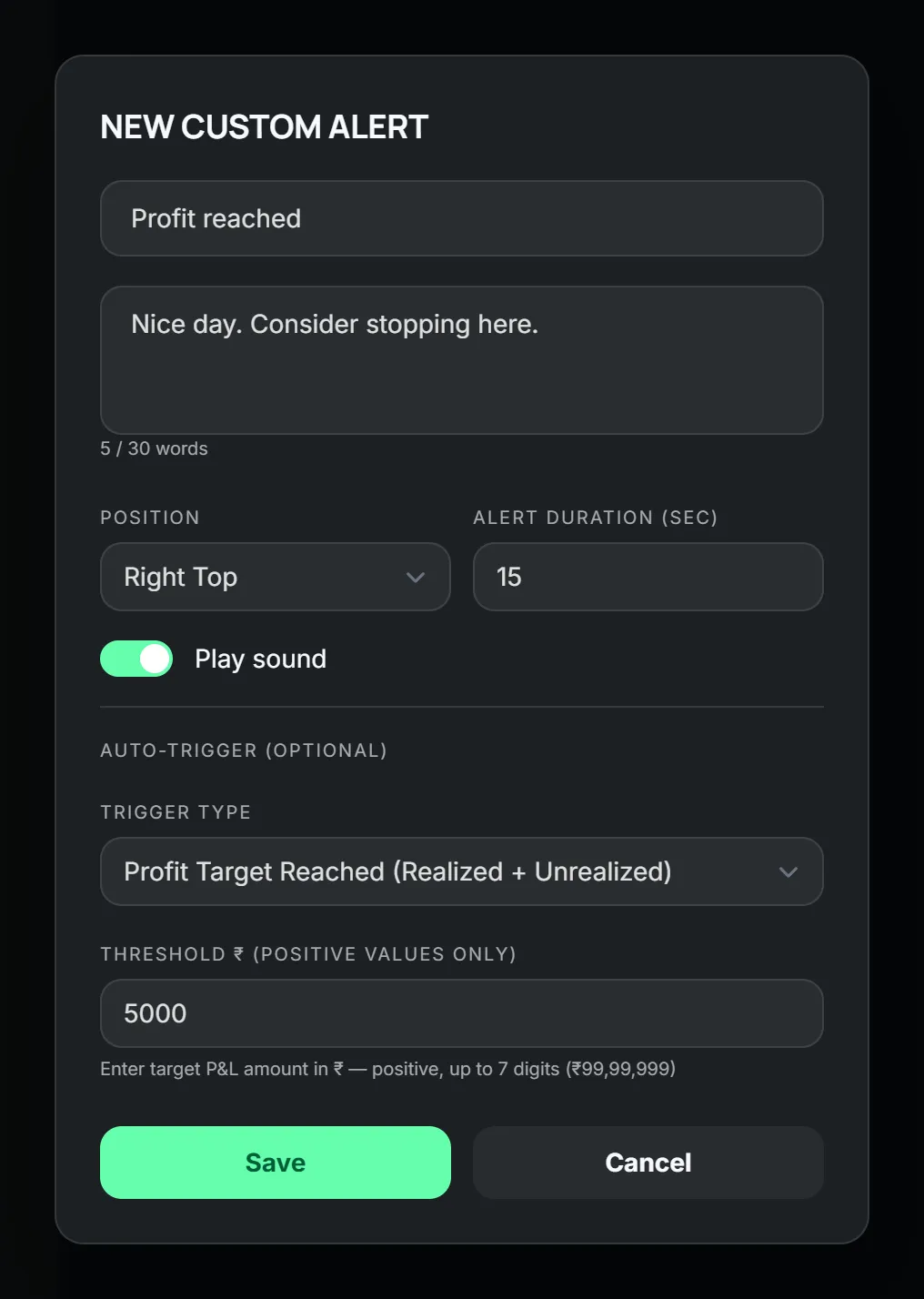
Where LossGuardian fits. Alerts Designer lets you rewrite the messages on the built-in alerts, up to 5 on each, and pick where each one appears, how long it stays and how loud it is. You can drop live numbers into a message, such as your trade count. You can also make up to 8 custom alerts of your own that fire at a profit target, a P&L level, a set time or every few minutes. For more on this, read how trading alerts help you catch mistakes.
6. A journal that scores your discipline
What it does. It shows you the pattern. Feelings fade from memory. Data does not. A good journal tells you which rule you break most, at what time, and what it cost. Notes written by hand are also fine, if you keep doing them.
What it cannot do. A journal works after the damage is done. It will not stop today's trade. Typing every trade into a journal is easy to stop after a week or two, so a journal that fills itself is easier to keep. We list what to look for in what a trading journal app must do.
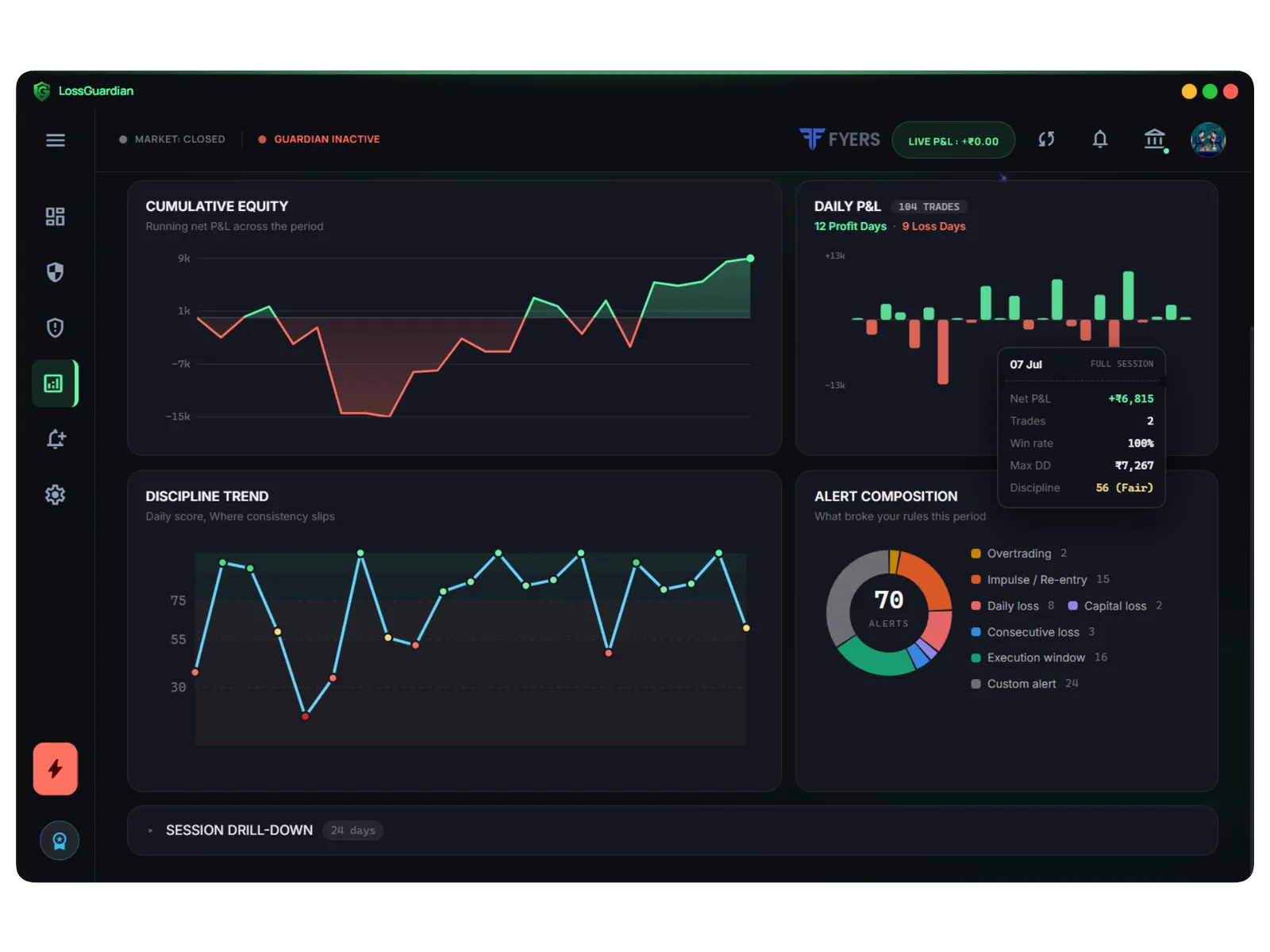
Where LossGuardian fits. Trade Log and Analytics reads your trades from your broker, so there is nothing to type. It gives a discipline score out of 100 for how well you kept your own rules, plus win rate, drawdown and profit factor. Past performance shows which rules you broke most often. The score measures behaviour, not profit.
7. A stop for the day
What it does. It makes the end of your day real. Everything above can be ignored by a determined mind. A stop for the day is the one that is built to hold when you do not want it to.
There are two kinds you can use with LossGuardian.
The broker's own Kill Switch. It exists at Zerodha, Fyers, Dhan, Upstox and Groww. When it is on, your broker refuses new orders, from any device, for as long as its own rule says. With the Automatic Kill Switch, LossGuardian presses your broker's own Kill Switch for you when you are done for the day. It is optional, it needs your consent, and you agree broker by broker. Manual mode takes you to your broker's page in one click.
Advanced Mode, on your computer. Angel One has no Kill Switch of its own, so Advanced Mode is the stop for Angel One traders. When you are paused or done, your broker's trading pages and new orders pause on your computer. You choose Pause or Done for each rule. See the Advanced Mode setup guide for each option.
What it cannot do. This is where honesty matters most.
- LossGuardian is read-only. It never places, changes or cancels an order, and it never closes a position. If you have an open trade, it stays open. LossGuardian waits until you are out of your trades before it presses the Kill Switch.
- Advanced Mode covers your computer. It does not cover a phone app. If you also trade from your phone, use the Automatic Kill Switch, because your broker then refuses orders from every device. For Angel One there is no such option, so keep the phone app off your home screen on a bad day.
- A stop for the day does not teach you anything by itself. It only ends the day. That is why it works best with number 6.
How to use this checklist
Do not install seven things in one week. Look at your last month of trading and ask one question: what do I do wrong most often?
- Big single losses: start with 2 and 7.
- Too many trades: start with 3.
- Jumping back in after a loss: start with 4.
- Giving back a good day: start with 5, with a profit target alert.
- Not sure: start with 6, and let your own data tell you.
For a wider comparison of risk apps and what to ask before choosing one, read best risk management app for Indian traders.
A tool is not the goal
Every tool on this list is there to build a habit. After a few months, you should need it a little less. If you trade better without it, it did its job. If it only holds you back while it is switched on, you have learned nothing yet. That is why the journal matters, and why LossGuardian shows you your pattern instead of only stopping you.
You can try LossGuardian free for 10 days, with no card. See pricing. It runs on Windows today. Use the trial to decide for yourself, and keep whichever of these seven kinds of tool you actually find yourself using.
Questions traders ask
What are the best tools for trading discipline?
There is no single one. A written plan, a daily loss limit, a trade cap, a wait after a loss, your own alerts, a journal and a stop for the day each cover a different weak spot. Use the checklist in this guide to see which of them you already have and which one is missing.
How do I stop trading emotionally?
Do not try to feel less. Decide your rules while you are calm, and set things up so the rule shows up at the moment you would break it. A loss limit, a wait after a loss and a reminder in your own words are good places to start.
Can a tool stop me from trading?
Some can make it harder. A broker's own Kill Switch makes your broker refuse new orders. LossGuardian itself is read-only: it never places, changes or cancels an order, and it never closes a position. It warns you, and with your consent it can press your broker's own Kill Switch for you.
Does Angel One have a Kill Switch?
No. Angel One has no Kill Switch of its own. LossGuardian Advanced Mode is the stop for Angel One traders instead. It pauses broker pages and new orders on your computer, not in a phone app.
Do I need all seven tools?
No. Start with the one that covers the mistake you make most often. Your journal will show you which one that is.
Which tool helps with emotional trading?
LossGuardian combines limits, alerts, cooldowns, an automatic journal and your broker's Kill Switch in one read-only app, for six Indian brokers.
LossGuardian watches your positions across six Indian brokers and warns you the moment you cross your own daily loss limit. It is read-only: it never places, modifies or cancels an order.
Download LossGuardian