
Custom alerts
Custom trading alerts for your own weak spots
Custom alerts let you write your own trading rules on top of the built-in ones. In LossGuardian’s Alerts Designer you can trigger an alert on a profit target, a P&L level up or down, a set time, or a repeating interval. Each alert has your own title and message, and you choose the sound, screen position and how long it stays.
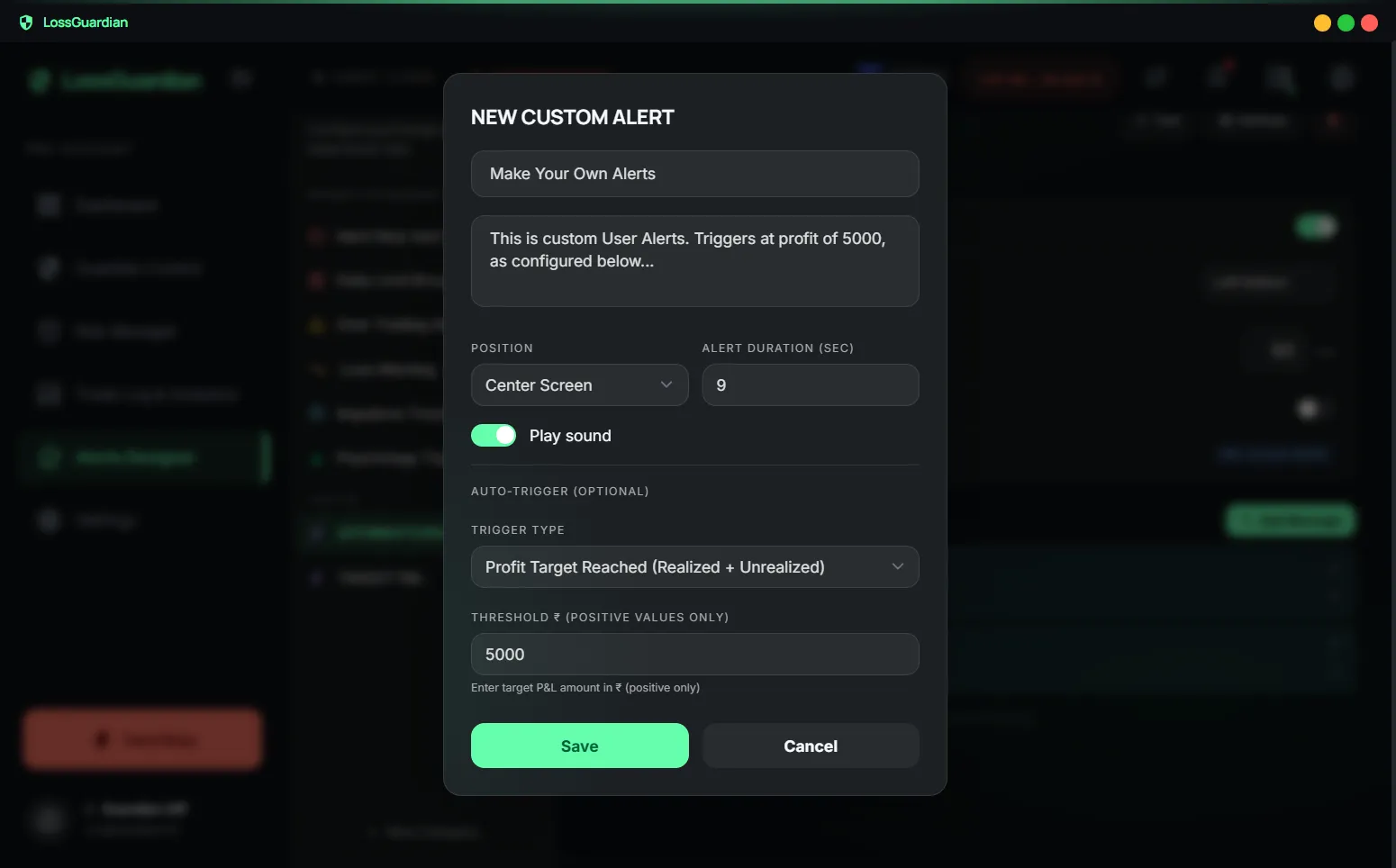
Every trader has a weak spot nobody else has
Built-in rules catch the common mistakes. But your worst habit might be your own. Maybe you always give back profits after you are up ₹5,000. Maybe you trade badly after lunch. Maybe you forget to check the market mood before 10 AM.
Generic software does not know that about you. You do.
Custom alerts let you put that knowledge to work at the exact moment it matters, in your own words.
How custom alerts works in LossGuardian
- 1
Open the Alerts Designer and create a new alert.
- 2
Pick a trigger: a profit target, a P&L level in either direction, a set time, or a repeating reminder.
- 3
Write the title and message. The best messages are ones you write to yourself on a calm day.
- 4
Choose the sound, where it appears on screen and how long it stays. Then trade as normal.
Small touches that make alerts work
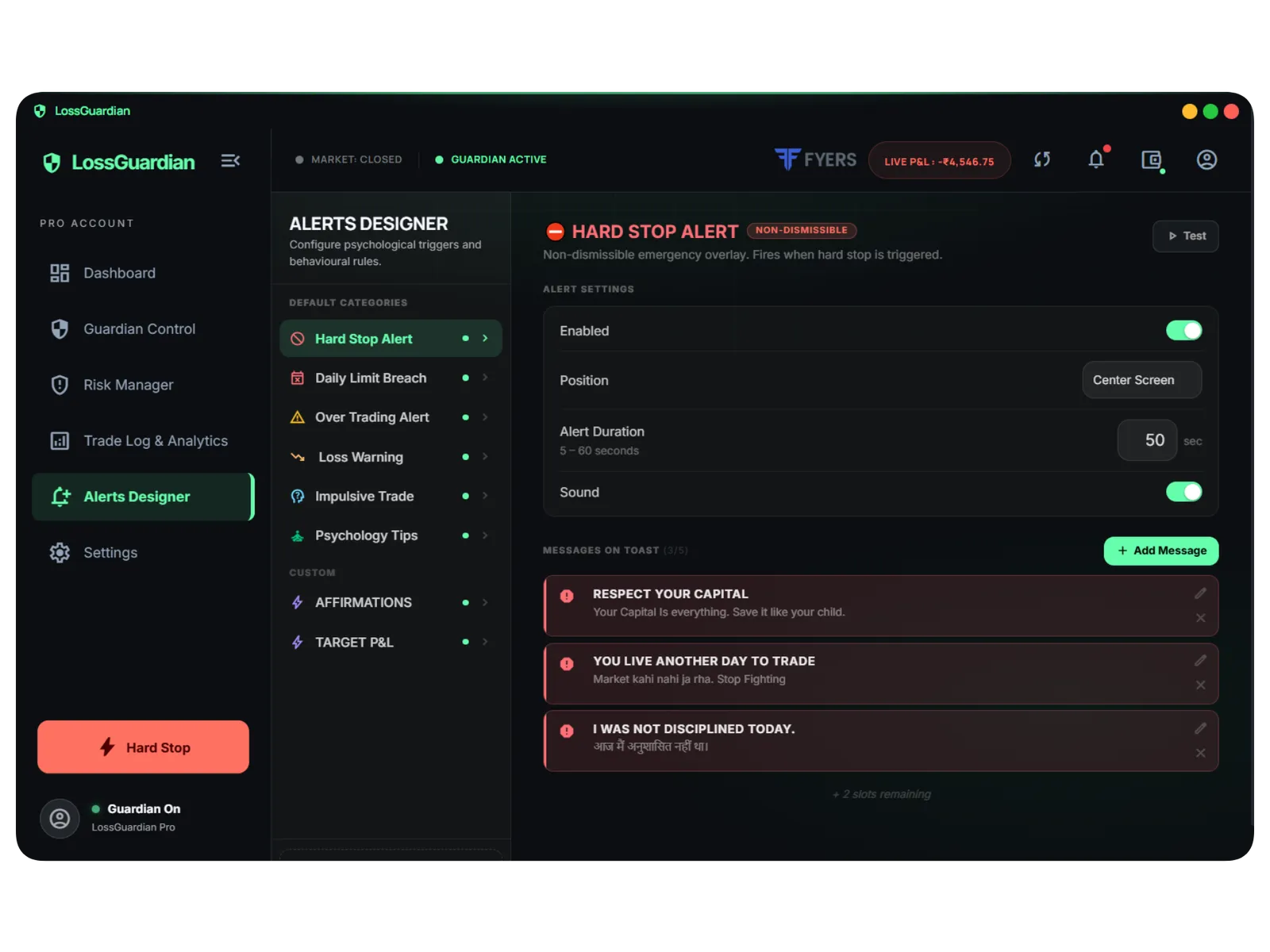
Change the built-in messages too
You can rewrite the text on the standard alerts as well, in any language, so the hard stop speaks to you the way you need.
Always on top
Alerts show above your charts and order window. A warning hidden behind your trading screen is not a warning.
Counted in your review
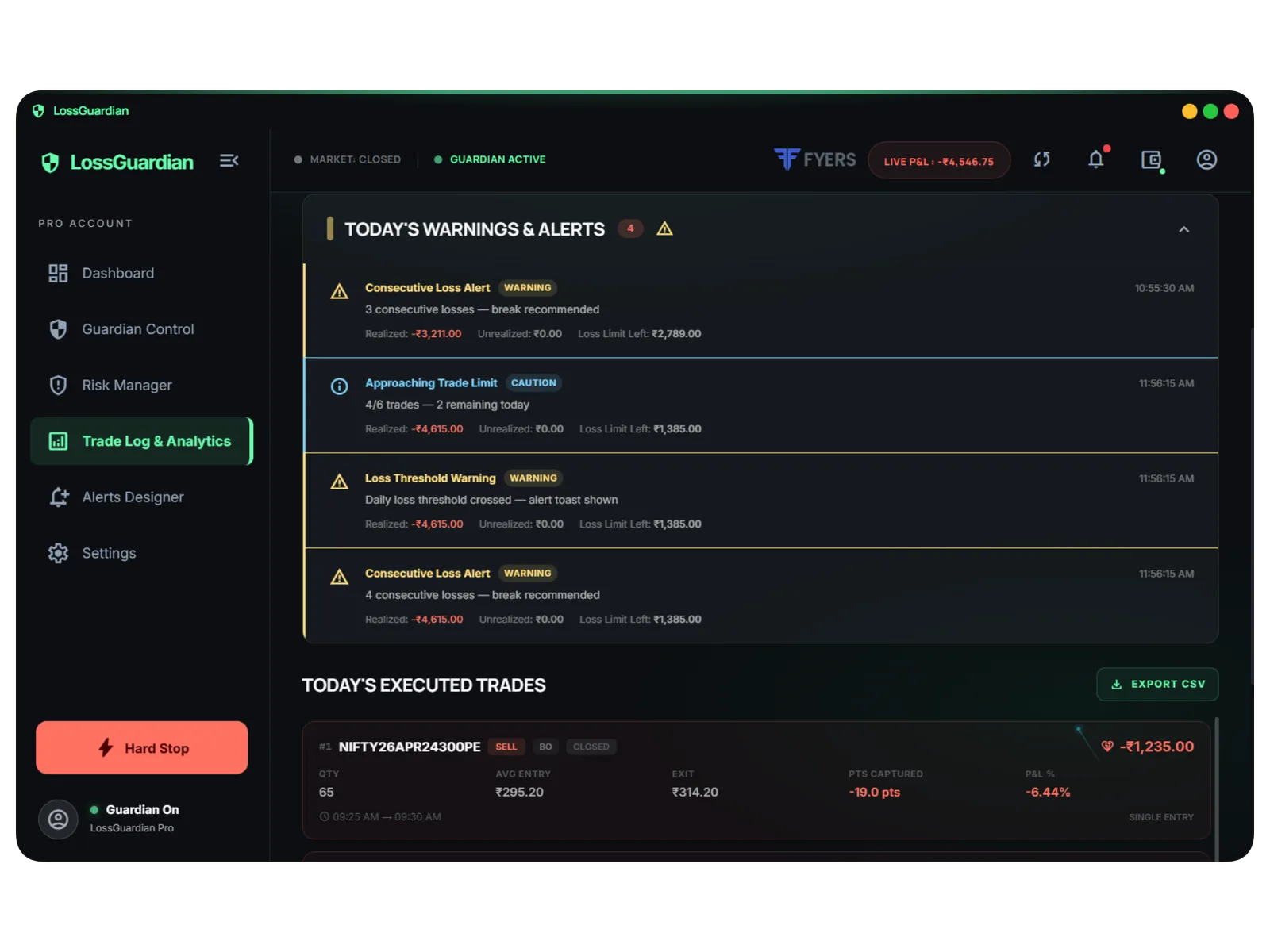
Custom alerts are saved like every other alert, so you can see how often each of your personal rules fired this week.
What it does not do
Custom alerts only watch and remind. Like everything in LossGuardian they are read-only and never place, change or cancel an order.
Custom alerts: questions traders ask
What custom alerts should I set up first?
Start with the habit that costs you most. A profit target alert if you give back good days, a time alert if you trade badly late in the session, or a repeating reminder to check your plan every hour.
Can I write alert messages in Hindi?
Yes. Messages are plain text you write yourself, so you can use Hindi, English or any mix that works for you.
Can I get an alert when I am in profit?
Yes. Set a profit target trigger with an amount. It is one of the most useful custom alerts, because protecting a good day is as important as stopping a bad one.
Read more
More LossGuardian features
See all features · Works with Zerodha, Fyers, Dhan, Upstox, Angel One and Groww