
Consecutive loss limit
A losing streak limit, with a cooldown you have to sit through
A consecutive loss limit caps how many losing trades in a row you allow before you stop. In LossGuardian you pick the number, 3 by default. When the next loss goes past it, an Impulse Guard alert fires and a cooldown timer starts, 10 minutes by default, shown in a corner of your screen that stays on top of every window.
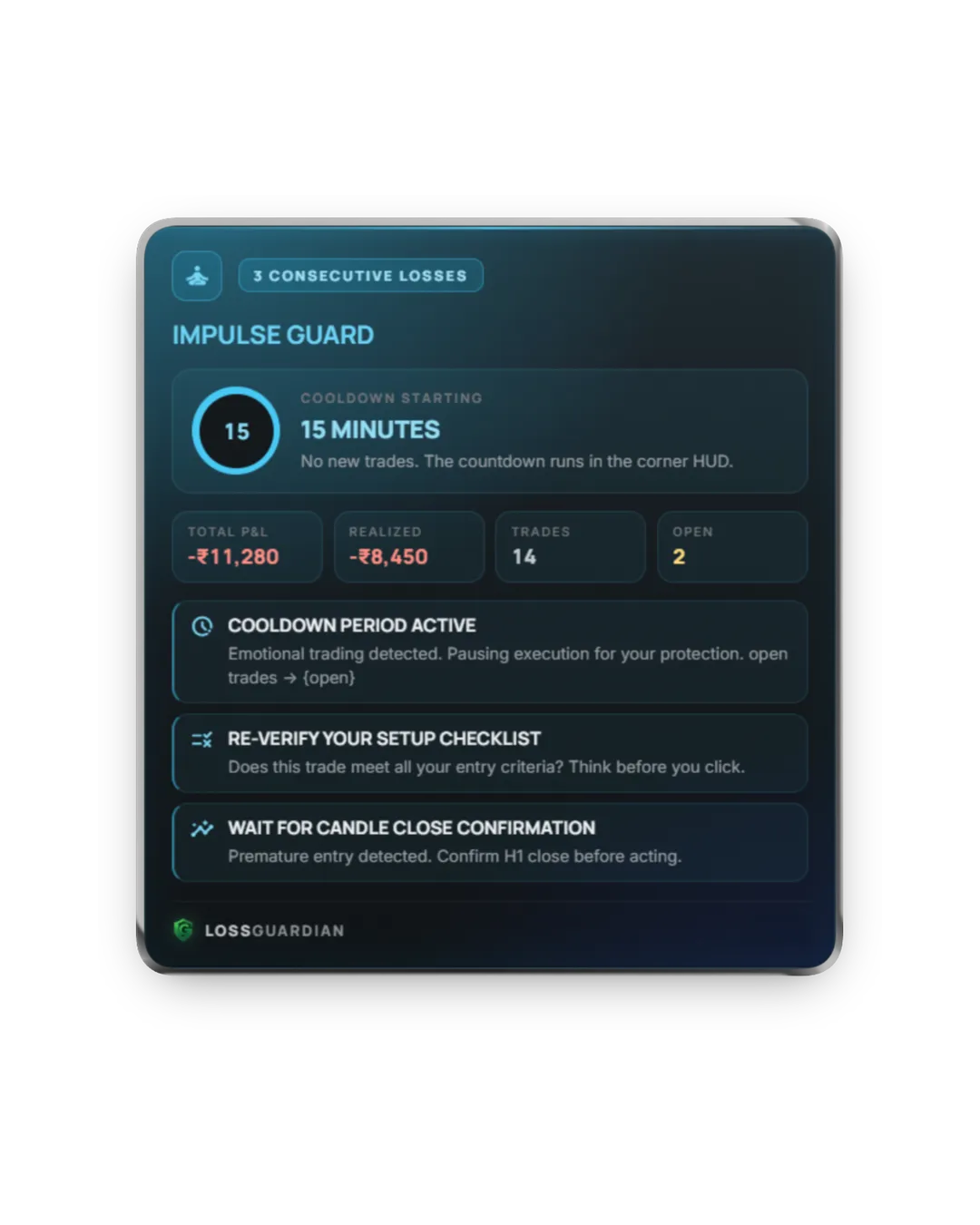
The trade after three losses is not a trade
Loss one: minus ₹1,500. Fine, it happens. Loss two: minus ₹2,000. Annoying. Loss three: minus ₹1,800. Now something changes. You stop looking for setups. You start looking for a way back to zero.
The next trade is almost never the one your plan describes. It is the same index, often the same direction, and usually bigger. It feels like confidence. It is urgency.
A losing streak is a message. Your read on the market is off today, or your head is. Either way, the right move is to pause. And that is the move that feels impossible in the moment.
How consecutive loss limit works in LossGuardian
- 1
You choose how many losing trades in a row you allow. A win resets the count.
- 2
LossGuardian counts your closed trades from your broker as they happen.
- 3
When the next loss goes past your limit, an Impulse Guard alert tells you to step away and check your setup before the next entry.
- 4
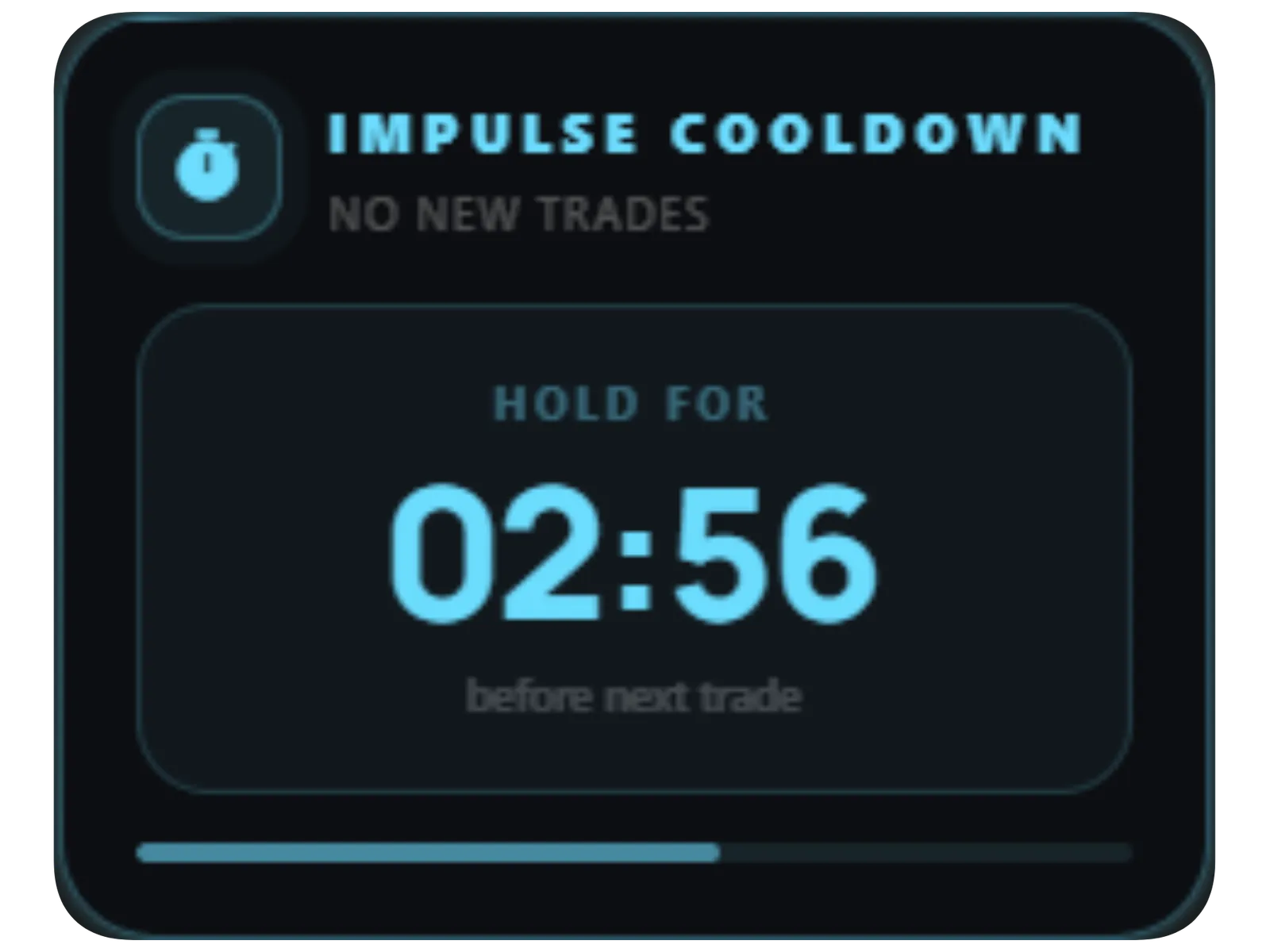
A cooldown timer starts in the corner of your screen and stays above everything until it runs out.
Made so the pause really happens
The timer stays on screen
The cooldown is a clock you watch run down, not a notification you swipe away. It sits on top of your charts for the full time.
Trading through it is recorded
If you keep trading during a cooldown, it counts against your discipline score. You can ignore the pause. You cannot hide that you did.
Your streaks over time
Your longest losing streak is tracked per session, so you can see the streaks getting shorter as the habit forms.
What it does not do
It does not block your broker or stop an order going through. LossGuardian is read-only. The cooldown is a pause you are asked to respect, made hard to ignore and easy to review later. That is how stopping on your own becomes a habit.
Consecutive loss limit: questions traders ask
How many losing trades in a row should I allow?
Most intraday traders use 2 or 3. Look at your own tradebook: find the point after which your next trade usually does worse than average, and set the limit there.
How long should a cooldown after losses be?
Long enough for the urge to re-enter to pass. The default is 10 minutes and the alert suggests stepping away for 15. Some traders use 30 minutes or stop for the day after a streak.
Does a winning trade reset the count?
Yes. It counts losses in a row, so one win sets it back to zero.
Can LossGuardian stop me placing an order during the cooldown?
No. It cannot touch your broker account. It keeps the timer in front of you and records any trade taken during it. The choice stays yours, and so does the record.
Read more
More LossGuardian features
See all features · Works with Zerodha, Fyers, Dhan, Upstox, Angel One and Groww