
How-to guides
Best automatic Kill Switch for Dhan traders: what to look for (2026)
Using Dhan and want a Kill Switch that works when you will not? How the Dhan Kill Switch for Over-Trading works, and how an automatic one presses it for you after a loss.
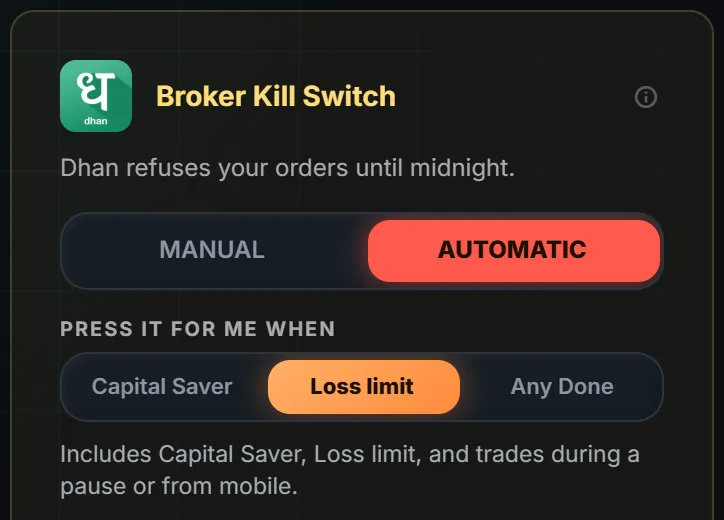
Quick answer: Dhan has its own Kill Switch, called Kill Switch for Over-Trading. Once it is on, Dhan refuses your orders on the whole account until midnight. The best automatic Kill Switch for Dhan presses it for you, only with your consent, only when you are flat. LossGuardian does that.
It is 12:50. You are down on the day, and the Dhan app is one tap from the next order.
Dhan gives you a way to stop. The question is whether you will use it at the weakest moment of your day.
What the Dhan Kill Switch does
- It covers the whole account. Every segment at once, not only F&O.
- It lasts until midnight.
- You need to be flat first. Square off your positions and cancel pending orders.
- Be careful with the second press. Dhan's own page offers one turn-off a day. A second activation is final.
Because it covers everything, choose your stops with care.
Why a manual switch often fails
After a loss, the urge to win it back is at its loudest. Opening a menu, finding Trader's Control and pressing Activate is a few steps. Placing the next order is two taps.
A stop that depends on the version of you who just lost money is only a suggestion.
What to look for in an automatic Kill Switch for Dhan
- It presses Dhan's own switch, not a pretend one.
- It asks for consent first. Automatic stays off until you turn it on.
- It waits until you are flat, with no open positions and no pending orders.
- You choose the stops that lead to it.
- It never places, changes or cancels an order, and never closes a position.
How it works with LossGuardian
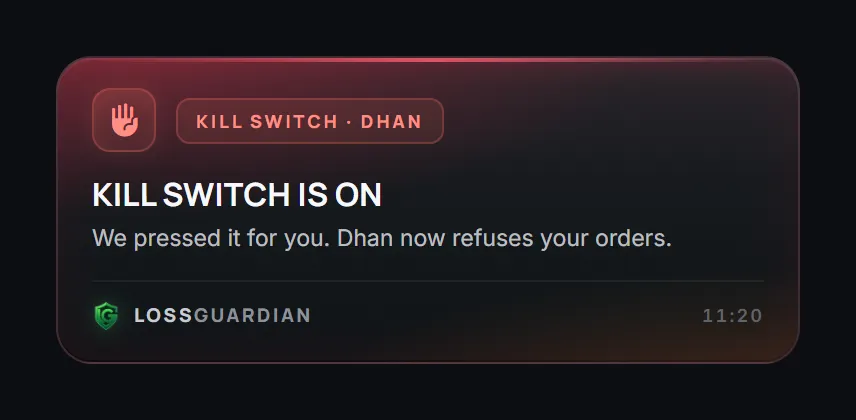
With your consent, LossGuardian presses Dhan's own Kill Switch for you when you are done for the day. It waits until you are out of your trades.
On Manual, one click opens Dhan's Money page and you carry on from there. Dhan has no direct address for the Kill Switch page.
When it is done, you see this.
Warnings come first
The Kill Switch is the last step, not the first. LossGuardian warns you as you near your limits, so most days you stop before the switch is needed.
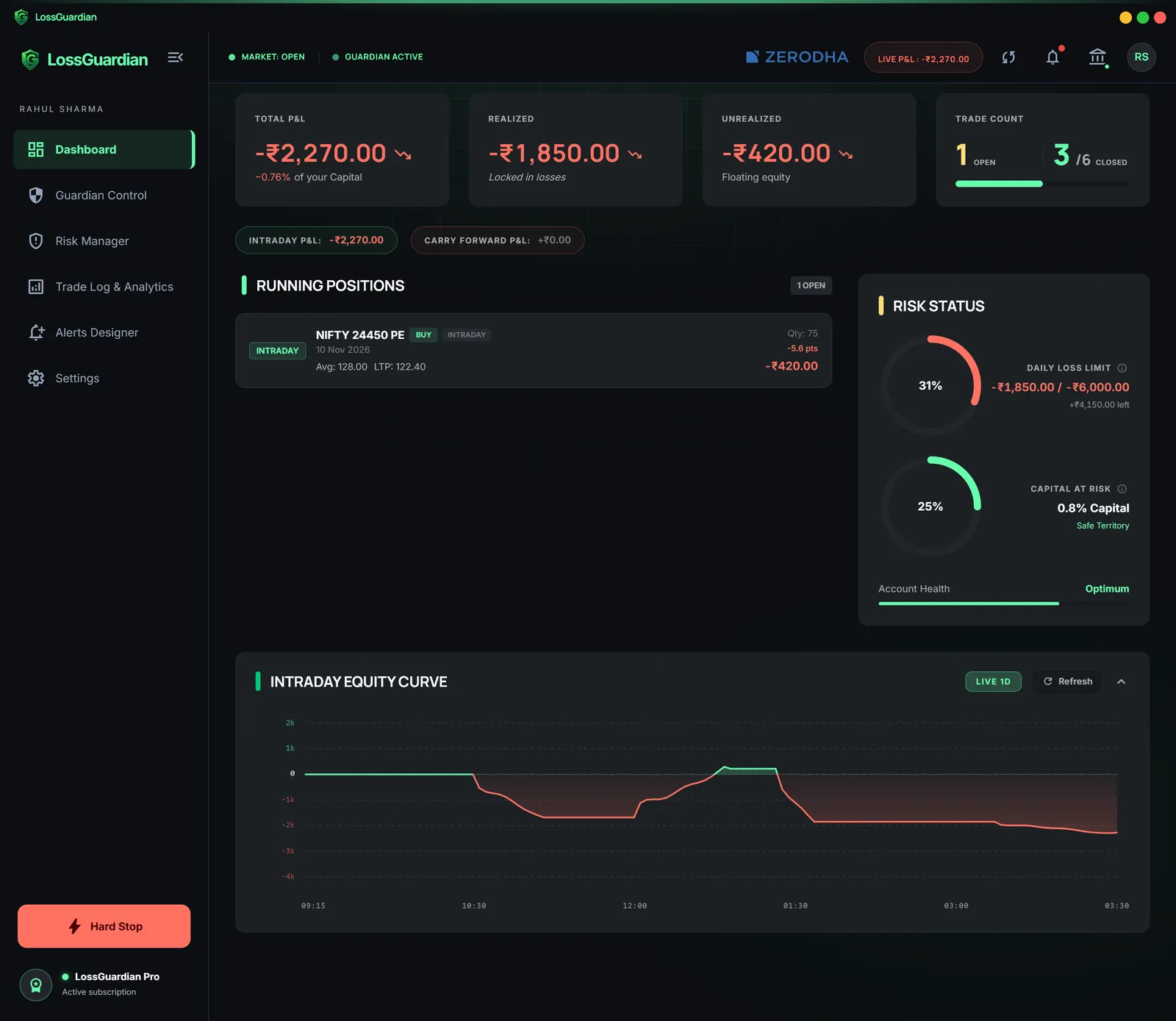
Want the bigger picture? Read why LossGuardian is more than a Kill Switch.
Where to go next
- The full walk-through: Dhan Kill Switch, how the automatic one works.
- The wider problem: how to stop overtrading on Dhan.
- Stop-loss or Kill Switch: what is the difference.
You can try LossGuardian free for 10 days, no card needed. Download it here.
Questions traders ask
How do I activate the Kill Switch in Dhan?
Square off your positions and cancel pending orders. On Dhan Web, open the Money tab, go to Trader's Control, open Kill Switch for Over-Trading and press Activate. Check Dhan's help page, because menus change.
How long does the Dhan Kill Switch last?
Until midnight. It covers your whole account, every segment at once. Dhan's own page offers one turn-off a day, and a second activation is final.
Which is the best automatic Kill Switch for Dhan?
Look for one that presses Dhan's own Kill Switch, asks for your consent first, waits until you are flat with no pending orders, and never places or closes an order. LossGuardian does this for Dhan when you turn on Automatic.
Can LossGuardian press the Dhan Kill Switch for me?
Yes, if you choose Automatic and agree. It waits until you have no open positions or pending orders, then presses Dhan's own Kill Switch.
Does LossGuardian place or close trades on Dhan?
No. It never places, changes or cancels an order and never closes a position.
LossGuardian watches your positions across six Indian brokers and warns you the moment you cross your own daily loss limit. It is read-only: it never places, modifies or cancels an order.
Download LossGuardian