
How-to guides
How to stop trading after a loss automatically (kill switch after your limit)
Keep trading after a big loss? Here is how to stop trading for the day automatically: set your limit once, and let your broker's own Kill Switch come on when you hit it.
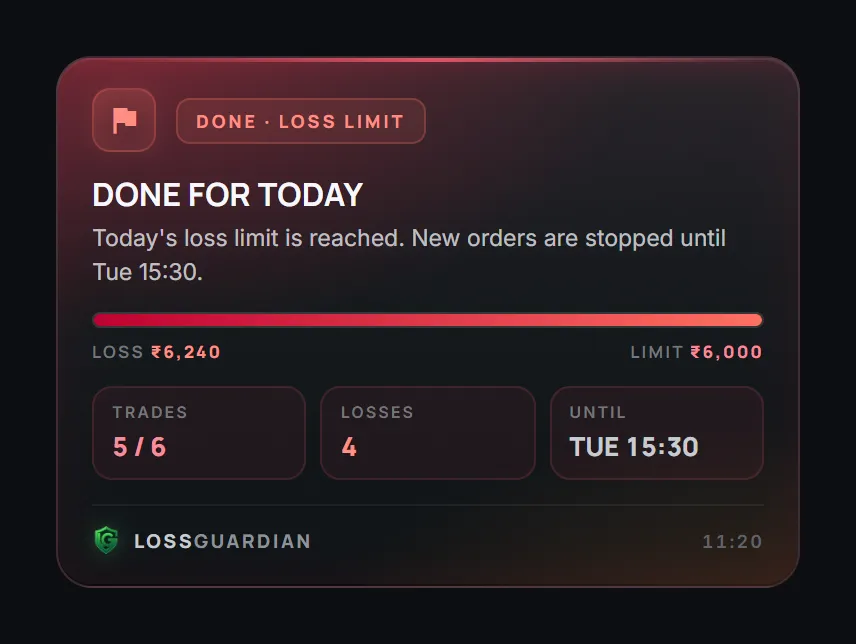
Quick answer: set your daily loss limit before the market opens. Then let software end your day when you hit it, and, with your consent, press your broker's own Kill Switch so your broker refuses new orders. You make the decision once, calmly. Nobody has to argue with you at 1:30 PM.
You lose ₹6,000 on the first trade. You tell yourself one more trade will fix it. Two hours later you are down ₹19,000.
If that sounds familiar, you are normal. Wanting to win back a loss is one of the strongest urges in trading. We wrote about why in why you feel compelled to trade after a loss.
Willpower does not beat that urge. A system does.
Step 1: Pick your number before the market opens
Your daily loss limit should be a number you can lose without it hurting tomorrow. Many traders use 1 to 2 percent of their capital. Write it down. The daily loss limit guide and the loss limit calculator help you pick it.
Step 2: Put the number where it can act
A number in a notebook cannot stop you. Put it in LossGuardian's Risk Manager. From that moment, every trade you take is checked against it, live, from your broker.
You get a warning as you get close. When you cross it, an alert you cannot click away tells you the day is over.
Step 3: Turn on Advanced Mode
In Alerts only mode, the decision to stop stays with you. If that has not been enough, turn on Advanced Mode.
Now hitting your limit ends your day. New trades pause on your computer until the market closes. Exits stay open, so you can always close a position.
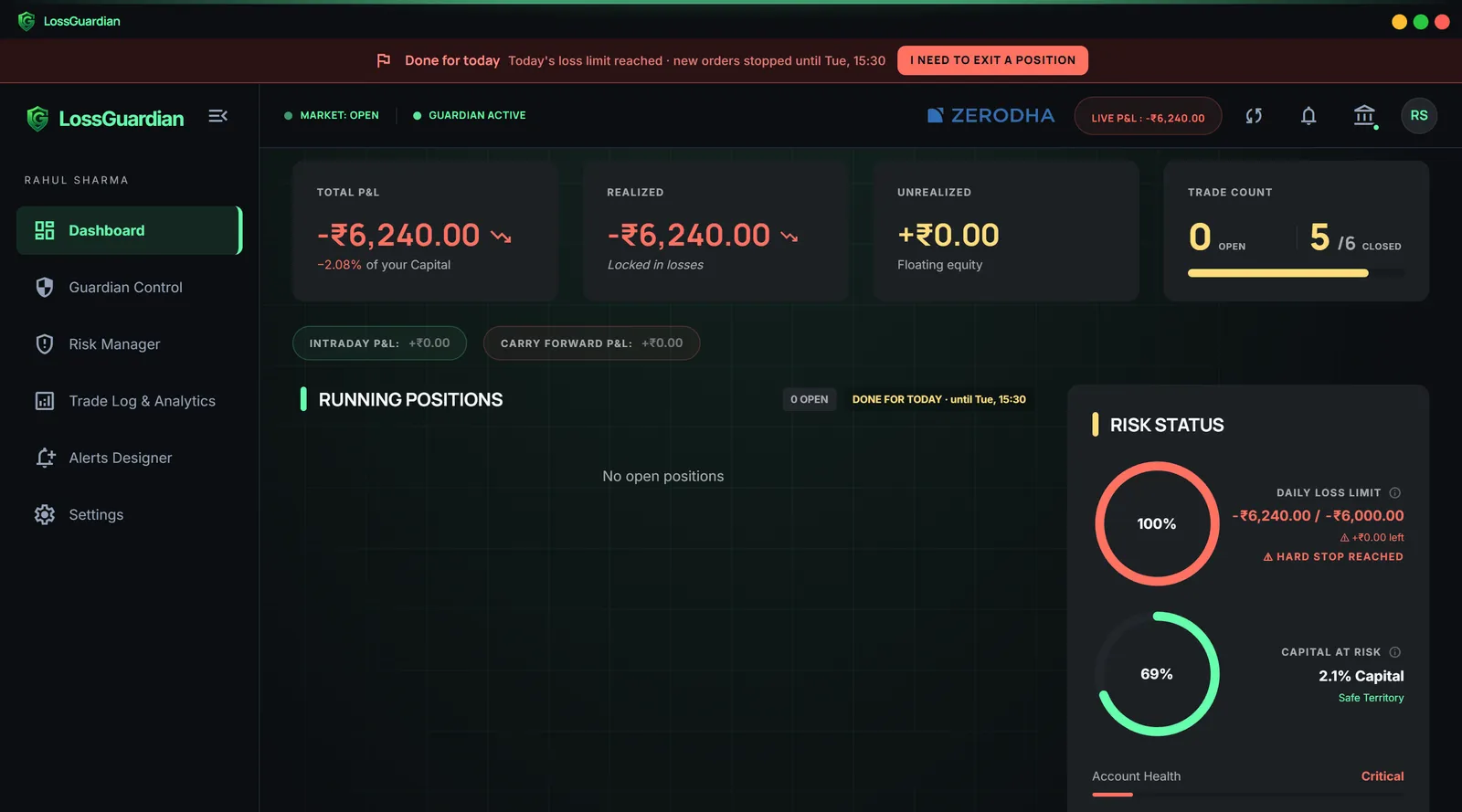
Step 4: Let your broker's Kill Switch come on automatically
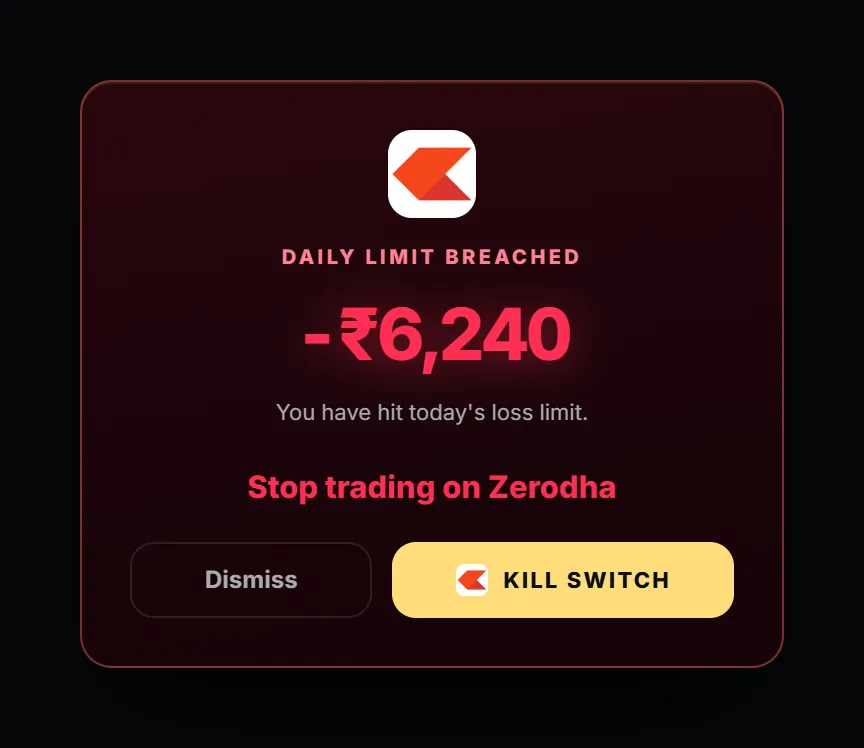
This is the strongest step. (How the Automatic Kill Switch works.) Choose Automatic for your broker and give your consent. When you are done for the day, LossGuardian presses your broker's own Kill Switch for you. Your broker then refuses new orders from every device, including your phone, until its own timer ends.
It works for Zerodha, Fyers, Dhan, Upstox and Groww. Angel One has no Kill Switch, so Advanced Mode is your stop there.
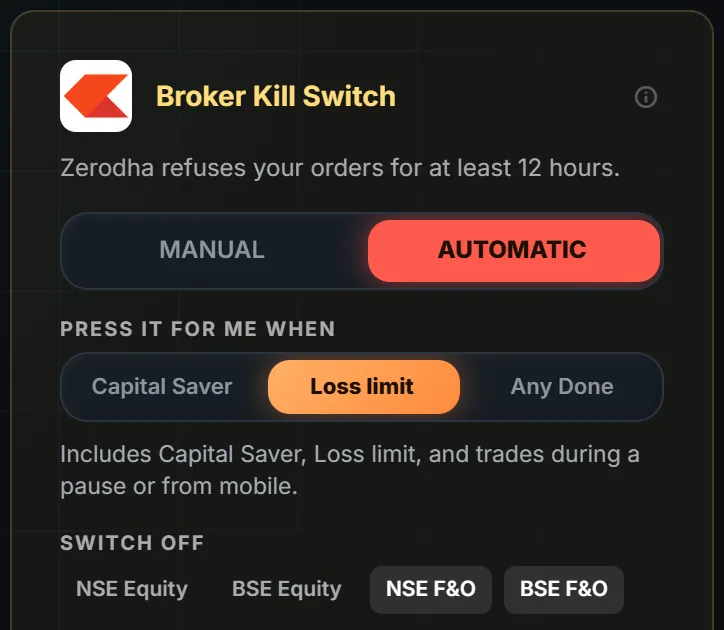
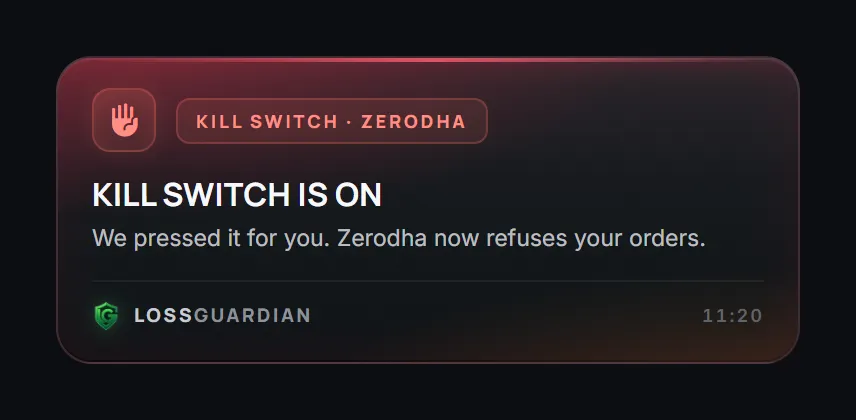
Prefer to do it yourself? Keep it on Manual. LossGuardian takes you to your broker's Kill Switch page in one click.
Step 5: Look at the day, the next morning
The stop protects your money. The review protects your future. Open your journal the next morning and look at the trade that started the slide. What time was it? What did you feel? Was it a re-entry after a stop-loss?
Your own data will show you the pattern. It is usually the same one, again and again. See how analytics find your mistakes.
What you get
A day that ends at your number, not at the market's mercy. Less fear, because one bad hour can no longer become a bad month. And slowly, a habit of stopping that becomes your own.
Try LossGuardian free for 10 days, no card needed. Download it here.
Read next: the most advanced automatic kill switch software and what a kill switch in trading does.
Questions traders ask
How do I stop trading after a loss?
Decide your daily loss limit before the market opens, and let something other than your own willpower enforce it. With LossGuardian, hitting the limit ends your day, and with your consent it presses your broker's own Kill Switch for you.
Can I make my broker stop taking my orders after a loss?
Yes. Most brokers have a Kill Switch that refuses new orders once it is on. LossGuardian can press it for you automatically when you hit your limit, with your consent, for Zerodha, Fyers, Dhan, Upstox and Groww.
Why can't I stop trading after a loss?
After a loss, your brain wants to win the money back now. It feels like fixing a mistake, not taking a new risk. That is why a rule made in the morning, and enforced automatically, works better than willpower in the moment.
What if I am still in a trade when I hit my limit?
LossGuardian never closes your position. Your day ends at once, exits stay open, and the Kill Switch is pressed as soon as you are out of your trades.
Can I stop trading automatically after a loss?
Yes. With LossGuardian Advanced Mode on, reaching your loss limit pauses new orders on your computer until the close, and with your consent it can press your broker's own Kill Switch, which covers every device.
LossGuardian watches your positions across six Indian brokers and warns you the moment you cross your own daily loss limit. It is read-only: it never places, modifies or cancels an order.
Download LossGuardian