 LossGuardian
How-to guides
Position sizing for Nifty options: how many lots should you trade?
How many lots of Nifty options should you trade? A simple position sizing formula with worked examples for ₹1 lakh, ₹3 lakh and ₹10 lakh accounts.
Most traders decide how many lots to trade by feel. Two lots on a normal day, five when they are "sure".
Position sizing for Nifty options works the other way round. You start with how much you can lose, and the number of lots comes out of the maths.
The position sizing formula
Lots = (capital × risk per trade %) ÷ (stop loss in points × lot size)
Always round down.
- Capital: your trading account, not your savings.
- Risk per trade: many traders use 1% to 2%.
- Stop loss in points: on the option premium, entry minus stop.
- Lot size: Nifty is 65 from the January 2026 contracts. Always check your broker's option chain, since NSE revises it.
Worked examples at 1% risk
All three use a Nifty option bought at ₹120 with a stop at ₹100. That is 20 points, so one lot risks 20 × 65 = ₹1,300.
| Capital | 1% risk | Risk per lot | Lots |
|---|---|---|---|
| ₹1,00,000 | ₹1,000 | ₹1,300 | 0 |
| ₹3,00,000 | ₹3,000 | ₹1,300 | 2 |
| ₹10,00,000 | ₹10,000 | ₹1,300 | 7 |
On ₹10 lakh, 10,000 ÷ 1,300 = 7.7. Round down to 7. Rounding up means a losing trade breaks your own rule.
Skip the maths with the free position size calculator. Enter capital, risk %, stop loss and lot size, and it shows the lots.
When the answer is 0 lots
On ₹1 lakh, the formula says 0. Many traders take one lot anyway. That trade risks 1.3% instead of 1%, and on a wider stop it gets worse fast.
If the answer is 0, you have two honest choices:
- Use a tighter stop that still makes sense on the chart. A 15 point stop risks ₹975 per lot, so 1 lot fits.
- Skip the trade.
Never widen your risk rule to make a trade fit. That is how small accounts become blown accounts. See why traders blow up their accounts.
The stop decides the size
A wider stop means fewer lots. A tighter stop means more lots. Your rupee risk stays the same.
So a 40 point stop on ₹3 lakh gives 3,000 ÷ 2,600 = 1 lot, and a 10 point stop gives 3,000 ÷ 650 = 4 lots. Same rupee risk, different size, and that is exactly how it should work.
Set the stop from the chart first. Our guide on how to set a stop loss in options covers premium-based and Nifty-based stops.
Do not size up after a win or a loss
After a loss, traders double size to win it back. After a win, they double size because they feel sharp. Both break the rule.
Keep the same risk % every trade. Change it only at the end of the month, based on your results, not your mood. More on this in how to manage risk in trading.
Where LossGuardian helps
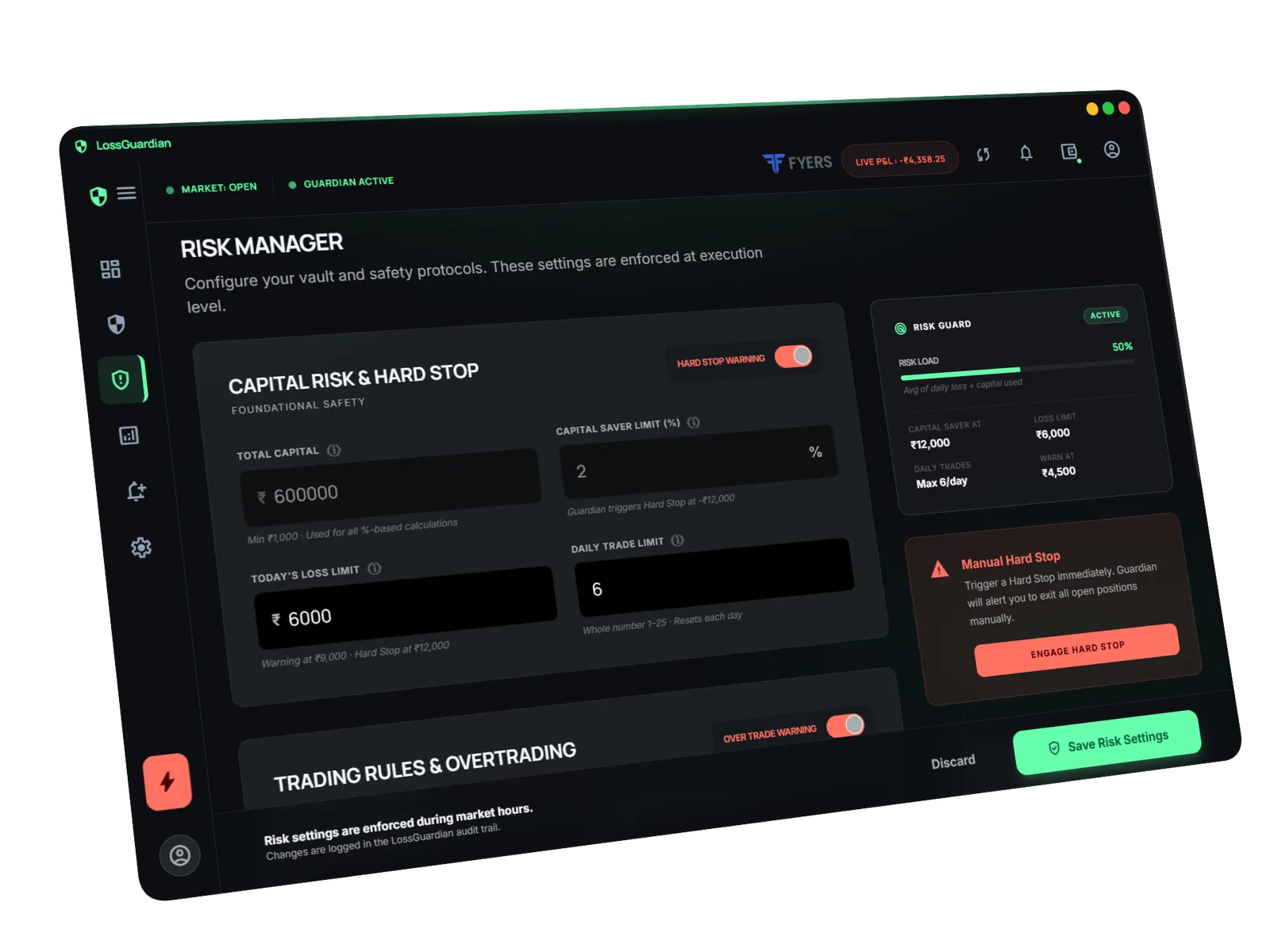
Position sizing controls each trade. A daily limit controls the day. LossGuardian sets your daily loss limit and Capital Saver as a share of your capital, reads your trades from your broker, and alerts you when you reach them.
It is read-only and never changes your orders. It makes sure that even on a bad day, a few correctly sized losses do not turn into one big one.
Size first, then trade
Before your next Nifty option trade, write three numbers: risk in rupees, stop in points, lots. If you cannot write them, you are not ready to click buy.
Questions traders ask
How many lots of Nifty should I trade?
Divide the rupees you are willing to lose on one trade by what one lot loses if your stop is hit. Round down. With ₹3 lakh capital, 1% risk and a 20 point stop, that is 2 lots.
What is the position sizing formula for options?
Lots = (capital × risk %) ÷ (stop loss in points × lot size). Always round down to a whole lot.
What is the Nifty lot size now?
NSE set the Nifty lot size at 65 from the January 2026 contracts. NSE revises lot sizes from time to time, so check the current size in your broker's option chain.
What if the formula says 0 lots?
Then the trade does not fit your account. Use a tighter stop that still makes sense on the chart, or skip the trade. Do not raise your risk to make it fit.
LossGuardian watches your positions across six Indian brokers and warns you the moment you cross your own daily loss limit. It is read-only: it never places, modifies or cancels an order.
Download LossGuardian