 LossGuardian
How-to guides
Is a trading risk app safe? Read-only access explained
Before you connect any trading app to your broker, check what access it gets. What read-only means, the questions to ask, and the red flags that should make you walk away.
Any app that connects to your trading account can see your money. Some can also move it.
So before you connect a trading risk app, a journal, or any tool to Zerodha, Upstox or any other broker, ask one question first: can this app trade, or can it only read?
What read-only access means
A read-only trading app can see your positions, orders and P&L. It cannot place, modify or cancel an order.
That matters more than any feature. An app that can only read cannot lose money for you through a bug, a bad server, or someone breaking into it. The worst it can do is show you wrong numbers.
An app with trading access can do much more, good or bad. If it squares off your positions, it can also square off the wrong one.
5 questions to ask before you connect any trading app
- Can it place, modify or cancel orders? If yes, understand exactly when and why.
- Where do I log in? You should log in on your broker's own screen, or use an API key you create yourself. Never type your broker password into a third-party app.
- Can I revoke access myself? You should be able to cut it off from your broker's side at any time, without asking anyone.
- Where is my data stored? On your computer, or on the company's servers? What happens if those servers are hacked?
- What does it do with my trades? Does it track your P&L for analytics, sell data, or show ads based on it?
If an app cannot answer these clearly on its website, that is your answer.
Red flags
- It asks for your broker password or your TOTP secret.
- It promises profits, tips or "guaranteed" protection.
- It closes trades for you with no clear rule you set yourself.
- It has no company name, address or contact on its website.
How LossGuardian handles this
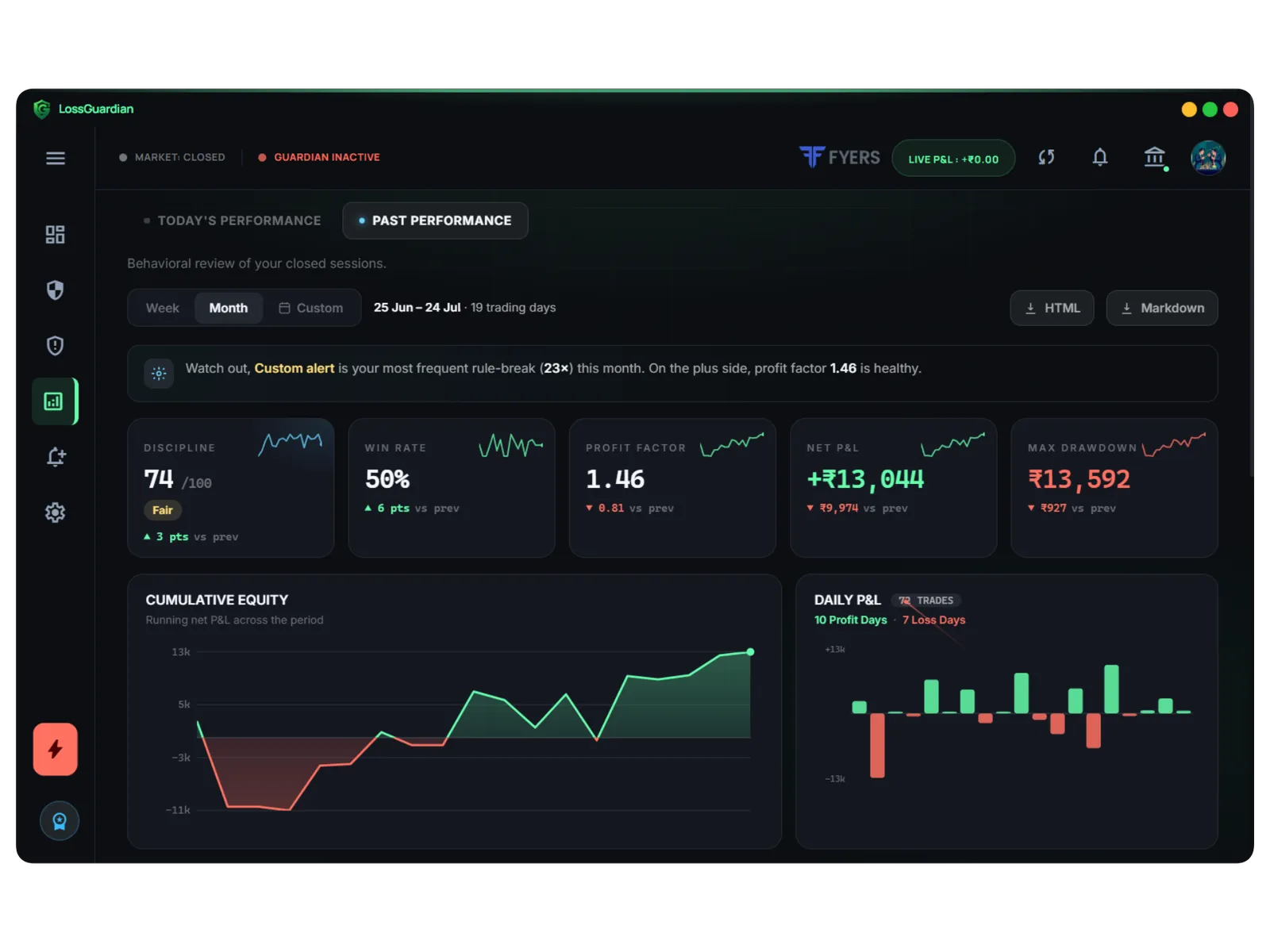
LossGuardian is read-only. It cannot place, modify or cancel an order on your account. It reads your positions and orders, checks them against the limits you set, and alerts you when you break one. You always close the trade yourself. Here is why we will never square off your position.
- Login: Zerodha, Fyers and Dhan connect through each broker's official API, and you log in on the broker's own screen. Upstox, Angel One and Groww use an API key you create in your own broker account and can revoke any time. We never see your broker password.
- Storage: your tokens, trade logs and rules are stored on your own computer, with tokens in Windows Credential Manager. Not on our servers.
- Tracking: we do not run analytics on your trades, positions or P&L.
Full details are on our security page. Broker by broker: Zerodha, Upstox, Fyers, Dhan, Angel One, Groww.
What about SEBI?
LossGuardian is not registered with SEBI or any financial regulator. It gives no investment advice and no tips, and it places no trades. It is a monitoring tool that helps you follow your own rules.
Be careful with any app that does give advice or trade for you. Check what it is allowed to do and who is responsible if it goes wrong.
The safest app is one that cannot trade
When you compare tools, put read-only access at the top of your list. Then compare features. Our checklist of what the best app to stop overtrading should do and the risk management app guide cover the rest.
Questions traders ask
Is it safe to connect a third-party app to my trading account?
It can be, if the app only reads your data. Check that it cannot place, modify or cancel orders, that you log in on your broker's own screen, and that you can revoke its access yourself at any time.
What does read-only access mean for a trading app?
The app can see your positions, orders and P&L, but it cannot trade. It cannot buy, sell, modify or cancel anything. Every trade stays your own action in your broker's app.
Should I ever give a trading app my broker password?
No. A safe app sends you to your broker's own login page or uses an API key you create and can revoke. If an app asks you to type your broker password into it, do not connect it.
Is LossGuardian registered with SEBI?
No. LossGuardian is a risk monitoring tool. It does not give investment advice, give tips or place trades. It reads your trades and warns you when you break the rules you set.
LossGuardian watches your positions across six Indian brokers and warns you the moment you cross your own daily loss limit. It is read-only: it never places, modifies or cancels an order.
Download LossGuardian